


RDR2 Companion: Map & Journal on the Go
Overview
The RDR2 Companion is a free mobile utility app developed by Rockstar Games, designed to enhance the gameplay experience for fans of the acclaimed action-adventure title Red Dead Redemption 2. Released on October 26, 2018, the app serves as a digital companion for players using PlayStation 4 and Xbox One, offering quick access to key in-game resources without requiring the player to navigate through the game’s interface. It allows users to view an interactive map, consult Arthur Morgan’s journal, access the official game manual, and explore optional strategy content—all from a handheld device.
The app supports real-time updates, syncing with the player’s progress in the base game, and integrates with the Rockstar Games Social Club for tracking completion milestones and accessing additional content. It is particularly useful for players seeking to reduce on-screen clutter by disabling HUD elements like the mini-map. While not essential for enjoying the game, the app offers meaningful convenience for those invested in exploration, collection, and narrative immersion.
The developer did not provide additional system requirements beyond the supported platforms.
Key Features & Capabilities
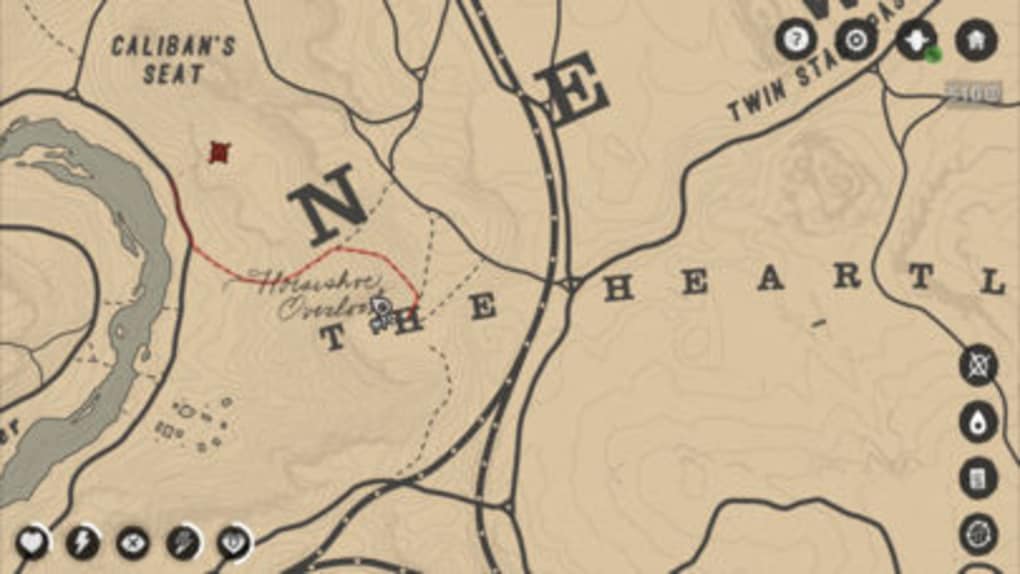
- Interactive Map – Displays real-time locations of points of interest, including landmarks, NPCs, and hidden items, enabling efficient exploration without relying on the in-game mini-map.
- Journal Access – Allows players to review Arthur Morgan’s in-game journal entries, helping track quests, relationships, and personal story arcs.
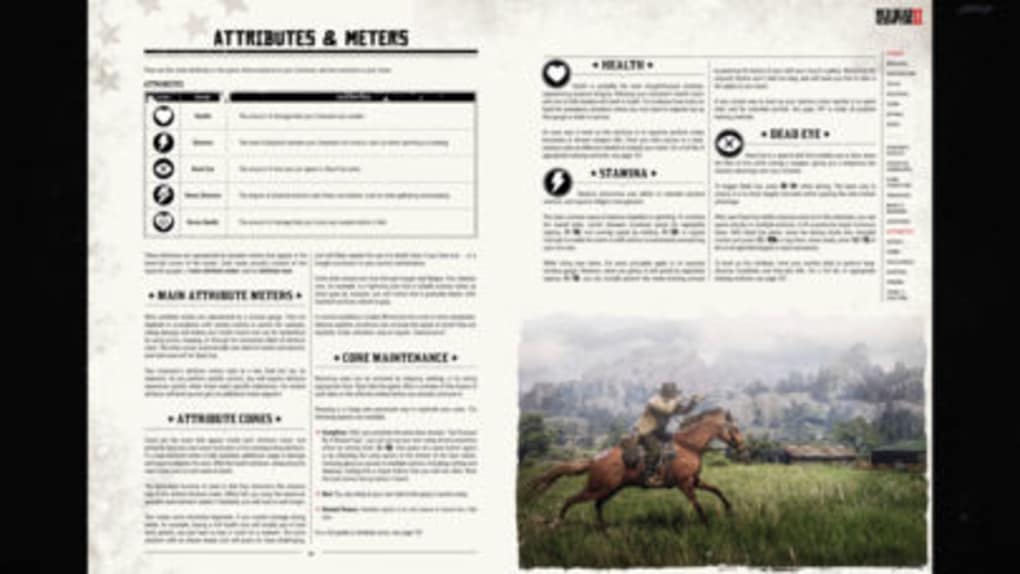
- Official Game Manual – Provides full digital access to the game’s official manual, including lore, mechanics, and world-building details.
- Complete Official Guide (In-App Purchase) – Offers a detailed, interactive strategy guide with maps, tips, and walkthroughs, unlocked via a one-time purchase.
- Progress Tracking – Syncs with Rockstar Games Social Club to display completion status, achievements, and progress across various game categories.
- Wheeler and Rawson Catalog Access – Enables browsing of the in-game merchant catalog via the web version, allowing players to plan purchases and inventory management.
- News & Updates – Delivers official RDR2 news and announcements directly from Rockstar Games.
These features are ideal for players who prioritize thorough exploration, collection, or narrative depth. The interactive map helps avoid redundant travel, while the journal and manual serve as reference tools during long play sessions. The guide, though optional, provides structured support for completing side content. The app functions as a supplemental tool, not a replacement for gameplay, and its utility is maximized when used alongside the base game.
User Interface, Workflow & Performance
The RDR2 Companion features a clean, intuitive interface optimized for mobile use, with clearly labeled sections for map, journal, manual, and guide access. Navigation is straightforward, allowing users to switch between resources with minimal taps. The app maintains a consistent layout across supported devices, ensuring a predictable user experience.
Workflow efficiency is high, as players can quickly reference information without interrupting gameplay. The real-time sync with the game ensures that map markers and progress data remain up to date. However, the developer did not specify resource usage details, so CPU and RAM behavior remain unknown.
Performance observations are based on general software behavior patterns. Battery consumption is noted as high during extended use, likely due to constant background updates. Stability appears consistent, though users may experience brief delays when syncing with the game.
The app does not support pausing updates, meaning it continuously refreshes data, which may impact device performance over time.
Compatibility & System Requirements
The RDR2 Companion is designed exclusively for PlayStation 4 and Xbox One users. It is available as a free download with a file size of 500 MB. The app requires a stable internet connection to sync with the game and Rockstar Games Social Club.
It does not support PC platforms or Red Dead Online. Compatibility information was partially provided, with no additional hardware requirements specified. The developer did not list exact system requirements beyond the supported consoles.
Players must have a Rockstar Games Social Club account to access certain features like progress tracking and the online catalog. The app does not function offline for synced content.
Pros and Cons
Pros
- Free to download and use with no recurring fees
- Real-time interactive map enhances exploration efficiency
- Direct access to journal and official manual without opening the game
- Seamless integration with Rockstar Games Social Club
- Highly useful for players focused on collection and completion
- Offers a detailed strategy guide via optional in-app purchase
Cons
- Only available on PlayStation 4 and Xbox One, not PC
- Does not support Red Dead Online mode
- High battery consumption due to continuous updates
- Cannot pause background sync or data refresh
- Requires internet connection for full functionality
FAQ Section
Is RDR2 Companion free to use?
Yes, the RDR2 Companion is free to download and use. Some features, such as the Complete Official Guide, are available via a one-time in-app purchase.
Which platforms does the app support?
The app is compatible with PlayStation 4 and Xbox One. It is not available for PC or mobile devices.
Can I use the app offline?
While basic content like the manual and journal may be accessible offline, real-time features such as map updates and progress tracking require an active internet connection.
Does the app work with Red Dead Online?
No, the RDR2 Companion does not support Red Dead Online. It is designed exclusively for the single-player experience.
Is a Rockstar Games Social Club account required?
Yes, a Rockstar Games Social Club account is required to access progress tracking, the Wheeler and Rawson catalog, and other synced features.
Final Thoughts + CTA
The RDR2 Companion delivers a thoughtful enhancement to the Red Dead Redemption 2 experience, offering valuable tools for exploration, reference, and completion tracking. Its real-time map and journal access eliminate the need to navigate through the game’s interface, improving workflow efficiency. While limited to PlayStation 4 and Xbox One users and not compatible with Red Dead Online, its benefits are substantial for fans invested in the game’s world and story.
The free access, combined with optional in-depth guidance, makes it a worthwhile addition for completionists and explorers. Despite its battery drain and lack of pause functionality, the app remains a solid utility. For players seeking a smarter, more organized way to experience the Wild West, this companion app is highly recommended.
Download RDR2 Companion now.







